
Crazy Time Download
Crazy Time download routes for UK players: Android APK, iOS casino app, mobile browser, desktop no-download access, and safe-source checks.
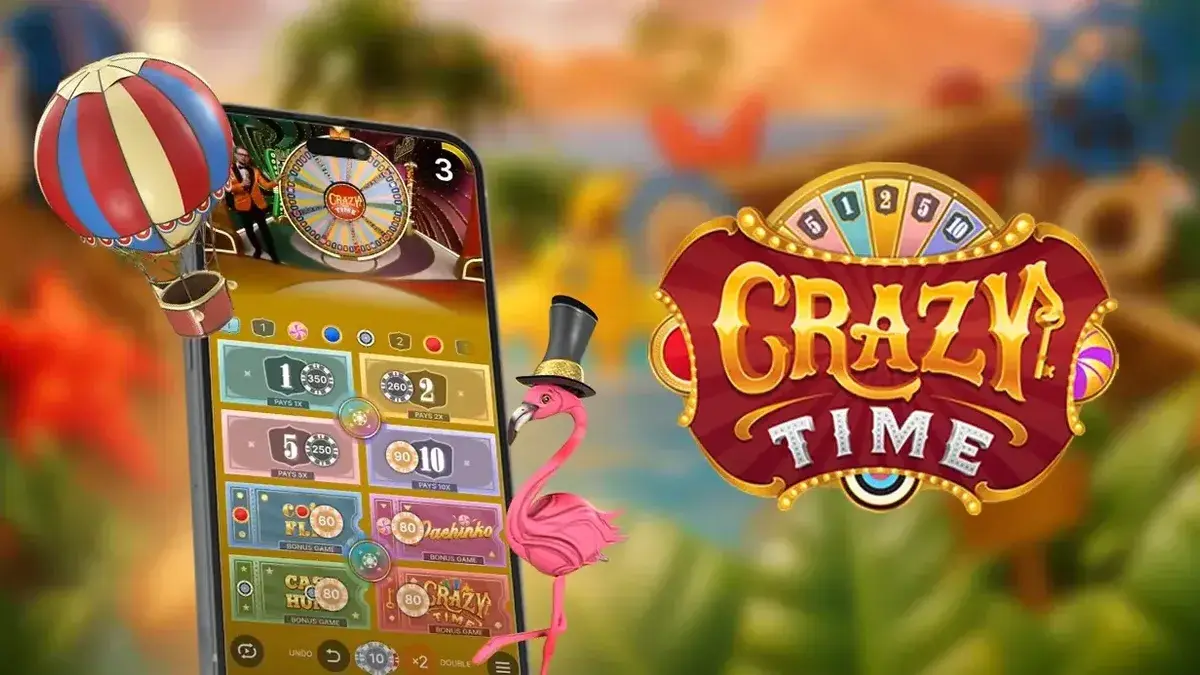
Crazy Time download usually means installing a UKGC-licensed casino app or using browser access, not downloading a separate Evolution game file. There is no standalone Crazy Time APK or PC file from Evolution. Most UK players reach the live table through a casino’s Android app, iOS app, mobile browser, or desktop browser.
The safest route is boring in a good way: use the casino’s verified domain, Google Play, or the App Store. Check the operator licence before logging in, complete KYC before real-money play, and set limits before opening the live lobby.
- Download needed
- Optional casino app. Browser play needs no install.
- Android route
- Google Play or casino APK from the verified casino domain.
- iOS route
- App Store, Safari, or home-screen shortcut.
- Desktop route
- No PC file. Use a modern browser.
- Safe source
- UKGC-licensed casino sources only.
Last updated: 1 May 2026
Pick your access route
Android APK: Use Google Play UK where available. If a casino offers APK install, use only the casino's verified domain and disable install permission afterwards.
iOS: Use the casino app from the App Store or open the casino in Safari and add it to the Home Screen.
Mobile browser: Open the casino site in Safari, Chrome, Samsung Internet, Firefox, or Edge and load Crazy Time from the live casino lobby.
Desktop: Use Chrome, Firefox, Safari, or Edge. Reject any site offering a separate Crazy Time PC file.
Crazy Time Download Options
Crazy Time has four safe access routes for UK players: casino app, Android APK from a licensed casino site, iOS app or home-screen shortcut, and no-download browser play. None of these is a separate Evolution file. Each route opens the same live table through a casino account.
| Route | Download needed | Best for | Safety check |
|---|---|---|---|
| Casino app | Yes, usually 50 to 200 MB | Repeat mobile sessions | Use Google Play, App Store, or casino site only |
| Android APK | Yes | Android users without a Play Store listing | Casino’s own domain only |
| iOS app or shortcut | App install or no-install shortcut | iPhone and iPad users | Match publisher name to casino brand |
| Browser play | No | First session and low-storage devices | Use a UKGC-licensed casino domain |
Casino App
A casino app is the most common Crazy Time download. UKGC operators ship Android and iOS apps that contain the live casino lobby, with Crazy Time and other Evolution titles inside. The app can help with repeat sessions, saved login, cashier access, and push alerts.
Android APK
Android APK applies when a casino does not list its app on Google Play UK. The file should live on the casino’s own site only. Third-party mirrors are not safe. APK install requires Android’s per-source install permission, which should be disabled after install.
iOS App or Shortcut
iOS users install the casino app from the App Store UK or save the casino’s mobile site as a home-screen shortcut. The shortcut opens in one tap but does not require a separate file. APK does not apply to iPhone or iPad.
No-Download Browser Play
No-download browser play is the fastest start. Open a UKGC casino’s mobile or desktop site, log in, and Crazy Time loads in the live casino tab. The HD stream and bet panel should match the app when the operator supports Evolution. For wider mobile access, see Crazy Time app , licensed casino access , or play demo first .

Android APK Download
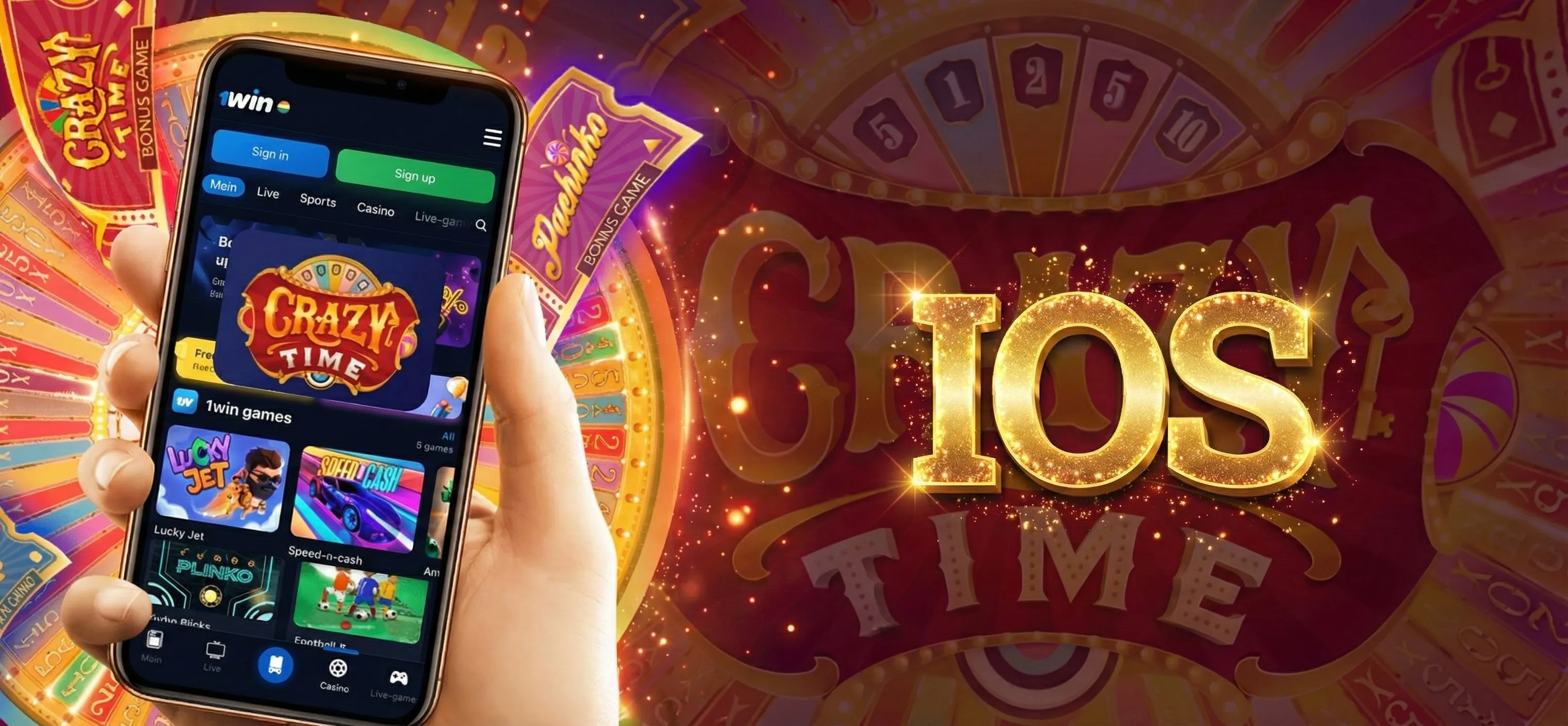
Android APK download is a fallback path, not a separate Crazy Time game. Some UK casinos publish through Google Play. Others host a casino APK on their own site. Both routes lead to the same account, cashier, and live lobby.
When APK Is Used
APK is used when the casino app is not available in Google Play UK or when the operator offers direct Android install. This is casino-specific and can change. If Google Play is available, use it first because updates are easier to check.
Official Casino Source
The official casino source is the casino’s verified UK domain, the same brand and licence details shown in its footer. Domain mismatch is a red flag. A download link that claims special Crazy Time odds, guaranteed wins, or a bonus hack should be ignored.
Install Checks
Before install, check the file date, domain, brand name, app permissions, and account login path. Storage and notifications can be normal. Contacts, SMS, or unrelated file access are not normal for Crazy Time play. Turn off Android’s install permission once the casino app is installed.
After Installation
Open the casino app, log in, and complete KYC if needed. UKGC accounts need identity checks before real-money play. Open the live casino tab, search Crazy Time, confirm table limits, and set a deposit limit before placing chips.
iOS Download and Home Screen Access
iOS download for Crazy Time uses the App Store, Safari, or a home-screen shortcut. There is no iPhone APK. A real casino app should show the same operator name, licence details, cashier rules, and safer-play tools as the casino website.
App Store Access
Search the casino brand directly in the App Store UK. Check publisher name, age rating, and casino terms before logging in. If the listing promises guaranteed wins or a separate Crazy Time wheel, leave it.
Casino Site Access
Some UK casinos use mobile browser play instead of an iOS app. Open the casino’s verified domain in Safari, log in, then search the live casino lobby. The table runs through the casino account without a separate install.
Home Screen Shortcut
A home-screen shortcut sits between full app and browser. Open the casino site in Safari, tap Share, then Add to Home Screen. It opens faster next time and avoids another install.
iPad and iPhone Fit
iPhone screens of 6 inches or larger keep the bet panel easier to read. iPad and iPad Air give more room for the live wheel, bet panel, and recent results. Older phones can work, but if the video lags during the countdown, skip the round.
Desktop and No-Download Play
Desktop and no-download play is the simplest Crazy Time route. There is no PC download. UKGC casinos run Crazy Time in Chrome, Firefox, Safari, or Edge. Mobile browsers run the same live table on Android phones and iPhones without install.

Desktop Browser
Desktop browser play needs only a current browser and stable connection. Open a UKGC casino site, log in, open the live casino tab, and search Crazy Time. Wide screens give more room for the wheel, bet panel, chat, and recent rows.
Mobile Browser
Mobile browser play is enough for many UK players. Safari on iOS, Chrome on Android, and Firefox on both can load Crazy Time inside the casino’s live casino lobby. The bet panel adjusts to portrait layout, though wide view can help during the first few sessions.
No Separate PC File
No separate Crazy Time PC file exists. Evolution does not ship a downloadable Windows or Mac client to players. Any site offering a Crazy Time PC download is a red flag, often paired with a fake bonus claim.
When App Is Still Useful
The app helps mobile players who play often. Saved login, faster lobby loads, and cashier access can reduce friction. For one-off sessions or comparing two casinos, browser play is faster.
No-download routes
-
Desktop browser
Use Chrome, Firefox, Safari, or Edge at a licensed casino site.
Open casinos → -
Mobile browser
Open the casino site on iOS or Android without app install.
Open app notes → -
Demo first
Practise bet flow before installing or depositing.
Open demo →
Safe Download Checklist
The checklist below covers safe-source rules before any tap. UKGC oversight reduces risk at the casino, but install paths still need user-side checks. Third-party APK files, fake-bonus-claim downloads, and outdated archives are the main risks Android users face.

-
Open the official casino site
Use the casino's verified UK domain or the store listing linked from that domain.
-
Choose route by device
Pick Android app, iOS app, home-screen shortcut, mobile browser, or desktop browser.
-
Check the source
Match the domain and publisher name to the casino brand before installing.
-
Install or use browser
Install only from an approved source, or skip install and use browser play.
-
Log in with KYC complete
Complete account checks and set limits before real-money play.
-
Search Crazy Time
Open the live casino lobby, search Crazy Time, and confirm table limits.
- Age
- 18+
- Licence
- UK Gambling Commission licensed operator
- Source
- Official casino domain, Google Play, or App Store
- Account
- KYC, strong password, and safer-play tools visible
- Limits
- Deposit limit, timeout, reality check, and GAMSTOP access
Check the Source
The casino’s verified domain is the only safe source for APK install. Cross-check the URL with the casino footer and licence details. Reject any redirect to a different file host. Reject any download offered through SMS, email, or social media as part of a bonus claim.
Minimum Device Setup
Device needs are light. Android 8 or newer can run most current casino apps. iOS 15 or newer handles recent iOS casino apps. Storage of 50 to 200 MB usually covers a casino app install. Browser play needs no install, but a stable Wi-Fi or 4G/5G connection keeps the stream clean.
Check the Account
UKGC accounts need identity checks before real-money play. GAMSTOP-registered users will not pass login during self-exclusion. Set deposit and session limits during signup. The casino should surface GamCare, GambleAware, and account tools in its footer.
Check the Limits
Limits cover age, deposit, session, and loss. None of these settings change Crazy Time odds or RTP, but they keep play inside a planned range. See responsible gambling for UK support and legal information for site terms.
| Field | Minimum | Recommended |
|---|---|---|
| Android | Android 8 | Android 13 or newer |
| iOS | iOS 15 | iOS 17 or newer |
| Storage | 50 MB | 150 to 200 MB |
| Browser | Current Chrome, Safari, Firefox, or Edge | Latest stable build |
| Connection | 1 Mbps | 2 to 3 Mbps |
| Screen fit | 5-inch mobile or 13-inch desktop | 6-inch mobile or 15-inch desktop |
Before You Download
Before downloading anything, choose the right next page. Many UK users searching Crazy Time download actually want demo practice, mobile access comparison, casino selection, or watch-only viewing. None of those routes require an APK install on day one.
Try Demo First
Demo mode is the safest first step. Open a licensed casino site, find Crazy Time in the live casino lobby, and pick demo where supported. Demo chips do not cash out, but the bet flow helps you learn the table.
Compare App Access
The Crazy Time app page covers mobile access in more detail: Android, iOS, tablet, browser, and app-vs-browser checks. Download is the install and safety page.
Check Casinos
The Crazy Time casinos page lists UK operators with Crazy Time in the live lobby. Licence checks, welcome offers, payment methods, and Crazy Time availability sit there.
Watch Live
Watch-only access belongs on the live stream page. Watching a few rounds before installing can make the table flow easier to read.
Next access route
-
Demo
Practise bet timing and bonus flow before installing.
Open demo → -
App
Compare mobile browser, iOS, Android, and tablet access.
Open app → -
Casinos
Check UKGC-licensed casino access and payment fit.
Open casinos → -
Live stream
Follow rounds before installing or depositing.
Open stream →
Crazy Time Download FAQ
Can I download Crazy Time?
Is there a Crazy Time APK?
Can I download Crazy Time on iPhone?
Do I need a casino app?
Can I play Crazy Time without download?
Is there a PC download for Crazy Time?
Can I download Crazy Time for free?
Where can I find safe download options?
For deeper reads, Crazy Time app covers mobile access comparison, Crazy Time casinos lists UKGC-licensed operators, Crazy Time demo lets you test the table first, and responsible gambling groups GAMSTOP, GamCare, and GambleAware tools for 18+ players.